





- Information Technology
It is very important to be careful while downloading apps
- Information Technology
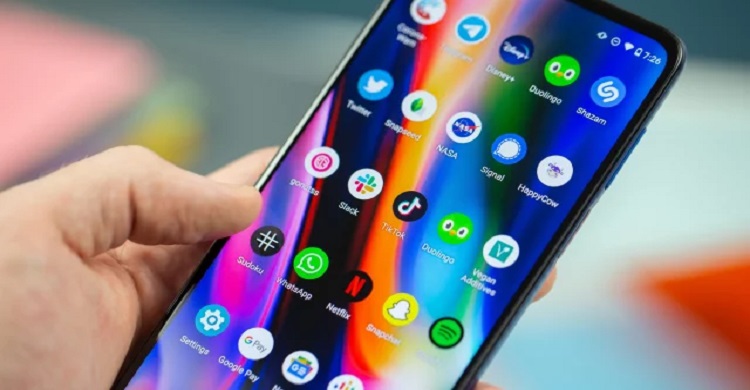
Information Technology Desk: Smartphone users use phone apps for various purposes. With thousands of apps on Google Play Store, the number of fake apps is not less. Cyber criminals are cheating through these apps.
So it is very important to be careful while downloading apps, as using insecure apps can compromise the security of the device and personal information. While downloading apps from Google Play or App Store, keep a few things in mind-
1. Check reviews and ratings
Before downloading an app you should check its reviews and ratings. Users share their experience with the app they have used. Apps with mostly positive reviews can generally be safe, but in some cases there may be fake reviews. So read the reviews carefully and if possible, find additional information from a reliable source.
2. Developer introduction
Learn about the developer of the app. Apps made by known and trusted developers are generally safe. New or unknown developers should be careful while downloading the app. Visit the developer's website to learn about their products and services.
3. Permission details
Check all the permissions that are asked while installing the app. Sometimes an app may ask for permissions that are not necessary for its activity. For example, if a simple game asks for your contact list or location, it might be suspicious.
4. Security scan
Google Play and the App Store usually have their own security scanning systems, but you should use a good antivirus app to protect your device. It will help scan new apps after installing them and detect dangerous files.
5. Security updates
Apps need to be updated regularly, as updates usually fix security flaws and bugs. Continue updating for downloaded apps and make sure everything is always up to date.
6. Beware of phishing and scams
Sometimes, phishing attempts can lead users to fake apps or websites. Accessing such sites may lead to theft of your personal information. The download link should always be taken from the official store.
7. Device security settings
It is very important to apply the correct security settings on the device. Prohibit installing apps from unknown sources and only download apps from trusted sources.
8. Protection of user information
Keeping your personal information secure is important. If the app collects your information, learn how it will be used and restrict permissions as necessary.
Comments (0)

Government is committed to building a citizen-friendly di...
1
News Desk: Fakir Mahbub Anam, the Minister for Post, Telecommunications, and...

Today is World Telecommunication Day
2
News Desk: World Telecommunication and Information Society D...

What is 'Glue Gun'? With which broken bones will be joined
3
News Desk : In the future, plasters, metal screws or complicated surgeri...

There is a global discussion on Internet policy
4
Information Technology Desk: The Internet Corporation for Assigned Na...
ChatGPT-Gemini falls into the trap of fake information
5
Information Technology Desk: Artificial intelligence or AI is becoming the main means of searc...



মন্তব্য (0)